Course Lesson 1 of 11
Start here
Course progress 0 of 11 complete
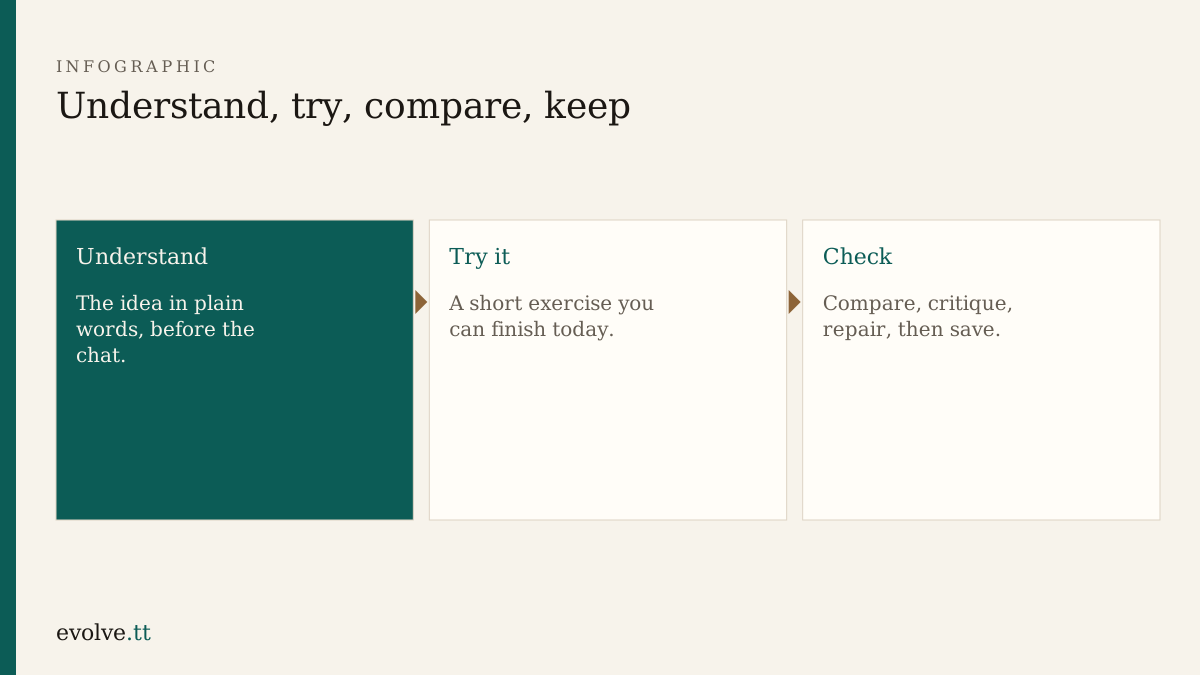
This is lesson one of Web Design with Generative AI.
The Common Ground project
Section titled “The Common Ground project”You will design and build a three-page site for a fictional neighbourhood workshop: home, services, and contact. The brief stays the same across modules so each lesson adds a decision you can keep, not a throwaway demo.
You do not need a paid AI plan for this lesson. You need a folder you can find again, a text editor, and a browser.
- Create a folder named
common-ground. - Inside it, create empty files named
index.html,services.html, andcontact.html. - Open
index.htmlin your browser. A blank page is enough for now. - Write one sentence in a notes file: who the workshop serves, in your own words.
Before you continue
You are ready for GenAI foundations when:
- the three HTML files exist in one folder
- you can open
index.htmlfrom the browser - your one-sentence audience note is saved outside any chat window
Mark this lesson complete with the button above when those three are true. Progress stays in this browser only.
What comes next
Section titled “What comes next”GenAI foundations covers prompts, context, hallucinations, verification, and safe working. The rest of the route is on the course hub.