Course Lesson 2 of 11
GenAI foundations
This lesson sits after Start here. You already have a common-ground folder and one sentence about who the workshop serves. Keep that sentence outside the chat.
You may use any capable text assistant. The steps stay the same if the product name on the tab changes.
What the model is doing
Section titled “What the model is doing”The assistant predicts the next words that fit your request. It can draft useful layout notes and rewrite your headline. It can also invent a business hour, a price, or a CSS property that does not exist. Helpful is not the same as correct. That line already lives in how to check an AI answer.
A prompt that carries its own brakes
Section titled “A prompt that carries its own brakes”A weak ask: “Make me a website.”
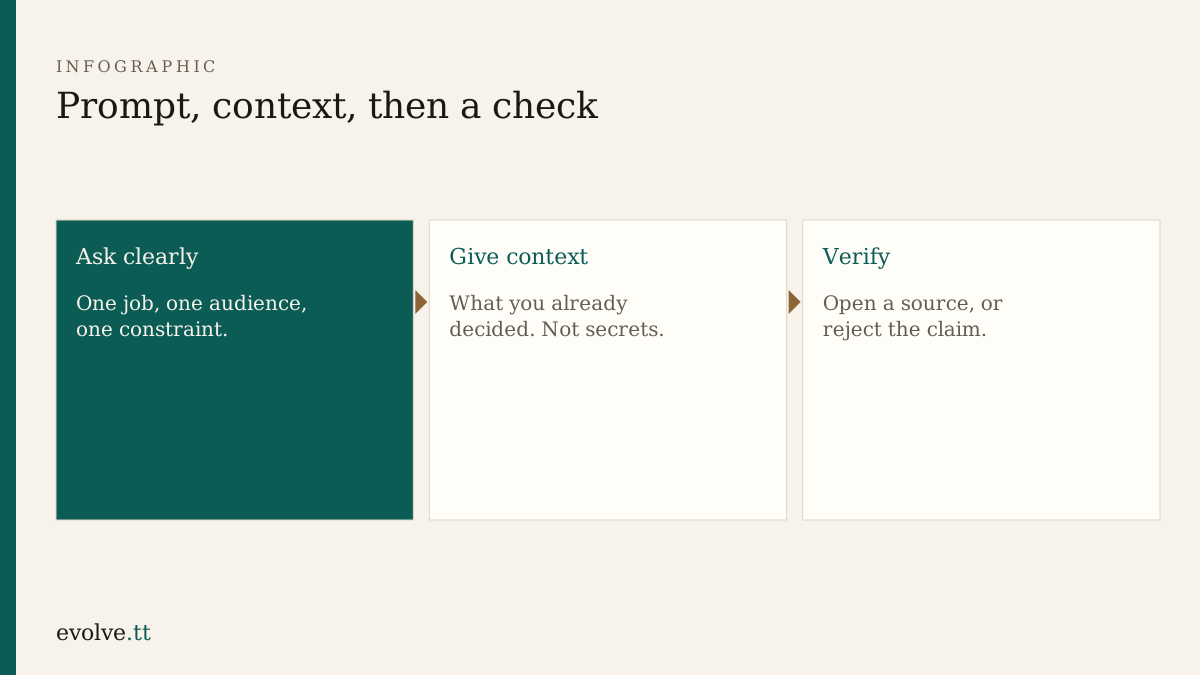
A usable ask names three things:
- Job — what you want back (a homepage outline, not a full company).
- Audience — who will read it (neighbours looking for a small repair).
- Constraint — one limit (three pages only, plain language, no prices invented).
Example you can paste and edit:
Draft a homepage outline for Common Ground Workshop. Audience: neighbours who need small repairs and skills evenings. Constraint: three sections only — who we help, what we offer, how to contact us. Do not invent opening hours or prices. Leave blanks I must fill.
Context you may give
Section titled “Context you may give”Safe context is work you already decided: your one-sentence audience, the three page names, a tone (“plain and welcoming”). Unsafe context is someone else’s phone number, a card number, a password, or a private chat from work. What never to paste applies here the same way it applies anywhere else.
Hallucinations you will meet in design work
Section titled “Hallucinations you will meet in design work”Watch for:
- Opening hours you never supplied
- CSS class names that look real and fail in the browser
- “Best practice” claims with no page you can open
- Stock layout advice that ignores your three-page limit
When the claim is a fact about the world, run the three-step check from the article linked above. When the claim is about your workshop, only you can confirm it. Blank is better than a guess.
- Open your notes file. Keep the audience sentence in view.
- Ask your assistant for a homepage outline using the three-part pattern above.
- Delete any hour, price, address, or phone number you did not write yourself.
- Pick one sentence that sounds like a fact about web design. Ask for the source and the exact line to read. Open that page, or strike the sentence.
- Save the cleaned outline next to your HTML files, not only inside the chat.
Before you continue
You are ready for Workspace when:
- your prompt named job, audience, and constraint
- the saved outline has no invented contact detail
- one factual claim was checked against a page, or removed
Mark this lesson complete when those three are true.