Start from zero
Learn what generative AI is, how to prompt it, and how to check what it gives you.
Trinidad & Tobago
Learn web design from first principles while using AI as a collaborator, not an autopilot.
Lead · Essay · 26 September 2026
A zero-dollar AI plan still costs mobile data. Spend that data on one real task, not on browsing the chat.
Course · 26 September 2026
Do one timed section of a CXC past paper, then mark what you missed. Do not reread the chapter first.
Career · 26 September 2026
Help desk is the common first IT job. A certificate can get an interview. It does not get you hired.
Courses
A lesson you can finish in an afternoon.
Copy each CAPE syllabus objective into a list and attach one retrieval task. That list is the weekly plan.
All coursesEssays
Work you already know, and where a draft should stop.
How domain experts can use generative AI to turn everyday expertise and recurring problems into useful digital products.
All essaysThinking
Keep the judgment. Do not lend it to the tool.
State a claim, ask for the strongest objection, and answer that objection yourself. Agreement from the model is not evidence.
Careers
How to start. Not a salary, and not a job offer.
A visual mind map and a breakdown of the main career paths in IT and the fields that overlap them.
A complete three-page website for a fictional neighbourhood workshop, Common Ground: home, services, and contact. You start with a brief and end with a folder a builder can open. No previous generative-AI, HTML, CSS, or web-design knowledge is assumed.
Start from zero
Design before decoration
Build something real
Stay model-agnostic
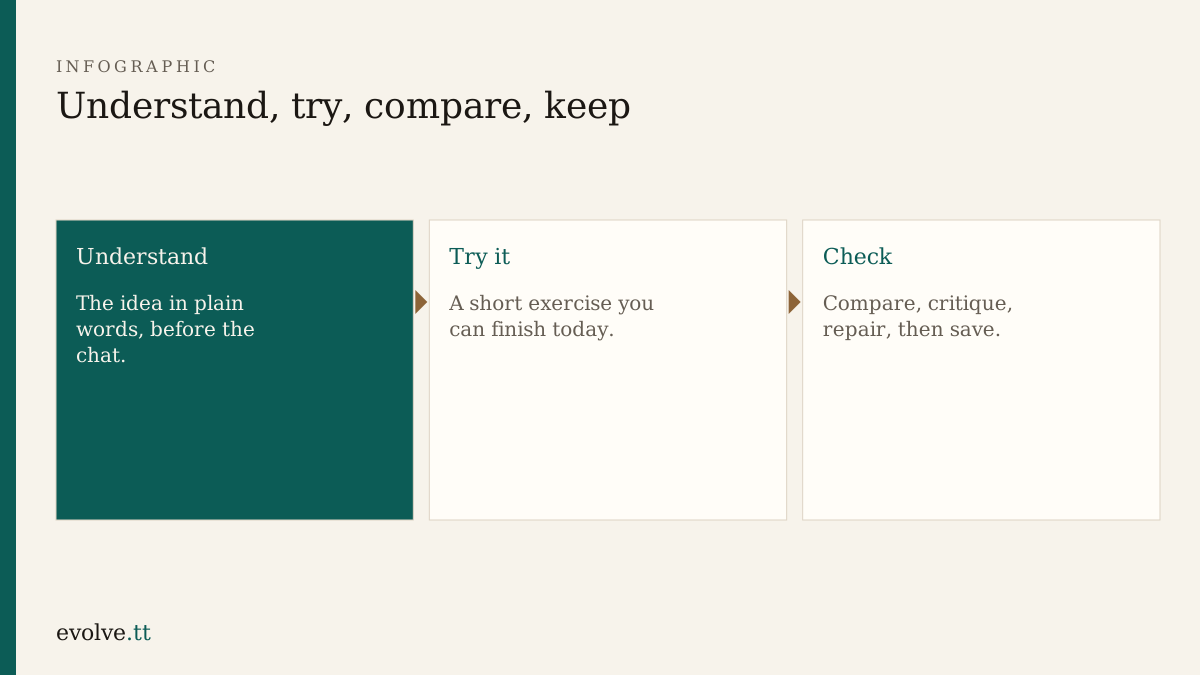
Each module follows the same loop:
Understand → follow along → try independently → compare → critique → repair → save.
Progress is stored only in this browser using localStorage. There is no account, database, or tracking dependency.
Allow roughly 14–20 focused hours for the guided course, plus time for the capstone checklist. A short evening can finish one lesson. The whole path is not a claim that professional web design fits into a few short sessions.
Lessons live under /course/ with their own sequence chrome (lesson list, previous/next). The main site stays editorial: the Courses sidebar links to this hub only, not every chapter. Short afternoon courses on the home page stay separate.