Course Lesson 3 of 11
Workspace
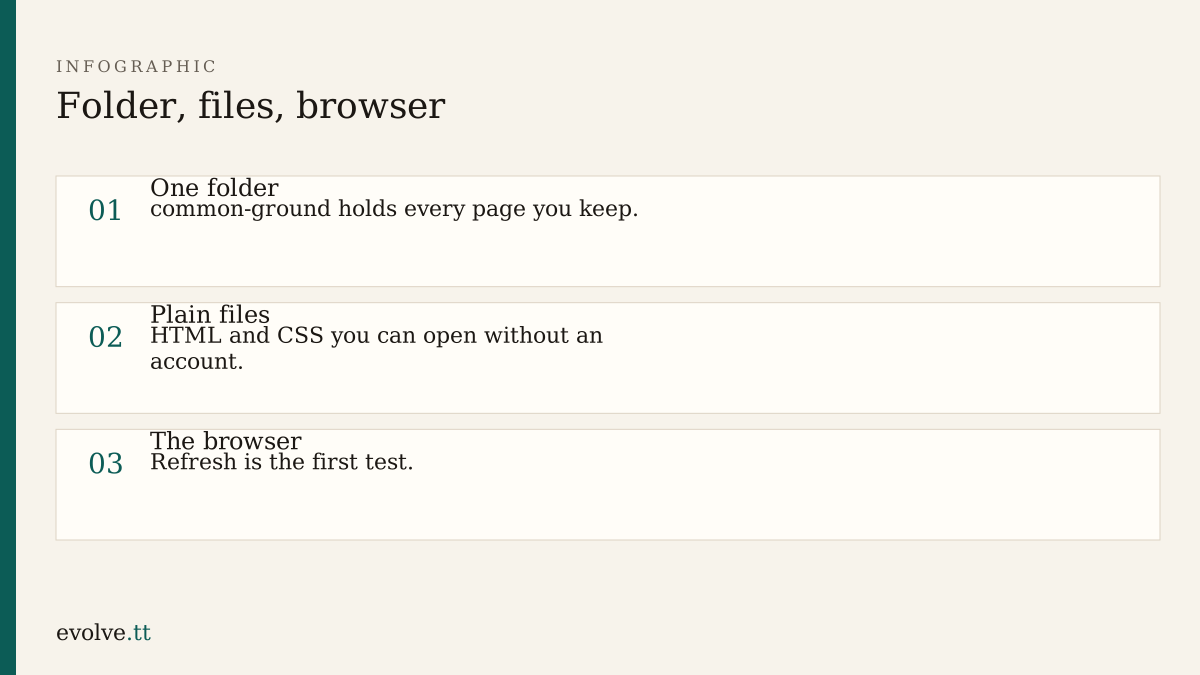
After GenAI foundations, the next risk is losing work inside a chat scroll. This lesson puts the project on disk.
The folder is the source of truth
Section titled “The folder is the source of truth”Chat history is a scratch pad. The folder is what you can zip, email, or hand to a builder later. Inside common-ground aim for:
index.html— homeservices.html— servicescontact.html— contactstyles.css— shared styles (create it empty for now)notes.md— brief, sitemap, and decisions you keep
You do not need a framework, a terminal build step, or an account for this course.
A first page that proves the path
Section titled “A first page that proves the path”Put this in index.html, then open the file in your browser (File → Open, or drag the file onto a browser window):
<!DOCTYPE html><html lang="en"> <head> <meta charset="utf-8" /> <meta name="viewport" content="width=device-width, initial-scale=1" /> <title>Common Ground Workshop</title> <link rel="stylesheet" href="styles.css" /> </head> <body> <header> <p>Common Ground Workshop</p> </header> <main> <h1>Small repairs and skills evenings for neighbours</h1> <p>Replace this line with the audience sentence from your notes.</p> </main> </body></html>If the title appears in the tab and your heading appears on the page, the path works. Change the paragraph, save, refresh. That loop is the rest of the course.
Notes stay next to the pages
Section titled “Notes stay next to the pages”Paste your cleaned homepage outline into notes.md under a heading. When an assistant suggests a structure, copy only what you accept into that file. Do not treat the chat as the archive.
- Create
styles.cssif it is missing. One comment line is enough:/* Common Ground */. - Copy the HTML skeleton into
services.htmlandcontact.html. Change each<title>and<h1>so the three tabs are distinguishable. - From
index.html, add a nav with three links: Home, Services, Contact. Use relative links such asservices.html. - Click each link in the browser. Fix any path that 404s or opens the wrong file.
- Write today’s date and “workspace ready” at the top of
notes.md.
Before you continue
You are ready for Brief and sitemap when:
- all three HTML files open locally
- the nav links move between them
notes.mdholds the outline you accepted
Mark this lesson complete when those three are true.