Course Lesson 8 of 11
UX copy
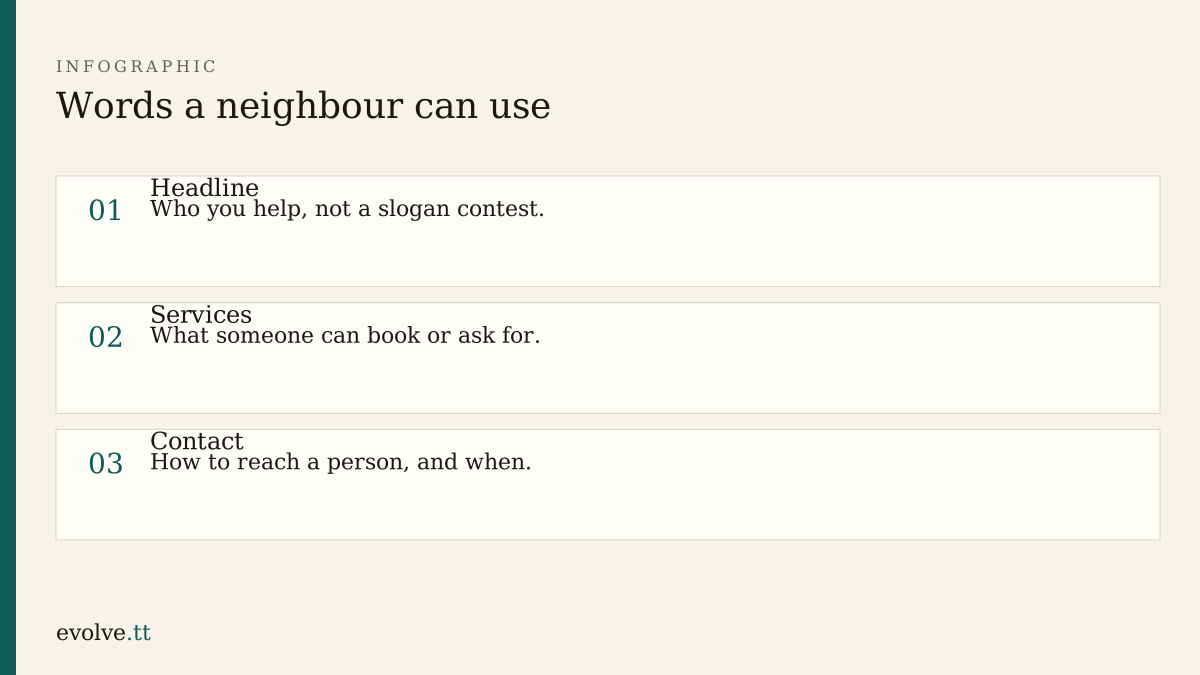
Structure and colour are in place. Now replace [headline] with words you would say over the counter. The same discipline as a school notice and a trades quote: you type the facts.
Homepage
Section titled “Homepage”Bad: “Synergising community craft ecosystems.”
Better: “Small repairs and skills evenings for neighbours.”
The supporting line can explain where you are in the neighbourhood without a full postal address if you are not ready to publish one. Blank is honest. A fake street is not.
Services
Section titled “Services”Use verbs a visitor might search for: repair, sharpen, borrow, learn. Three to five items beat a long brochure. If a price is not decided, write “Ask for a quote” rather than inventing a number.
Contact
Section titled “Contact”Say how to reach a person: email, phone, or a messaging app you actually monitor. Say what they should include (what needs repair, a photo if useful, a daytime number). If response time is unknown, write “We read messages on weekdays” only if that is true.
Using an assistant on copy
Section titled “Using an assistant on copy”Give the brief and ask for tighter wording. Paste your draft first. Reject slogans, fake testimonials, and stock Caribbean clichés you would not say aloud. Keep your own spellings for place names.
- Rewrite Home, Services, and Contact in your own words offline.
- Ask an assistant to shorten only. Compare line by line. Keep your facts.
- Remove any hour, fee, or address the brief did not supply.
- Read the three pages aloud. Fix any sentence you stumble on.
- Save final copy in the HTML files and paste a backup into
notes.md.
Before you continue
You are ready for Responsive states when:
- no
[placeholder]markers remain in the three pages - services use plain verbs
- contact explains how to write and what to expect
Mark this lesson complete when those three are true.