Course Lesson 4 of 11
Brief and sitemap
Course progress 0 of 11 complete
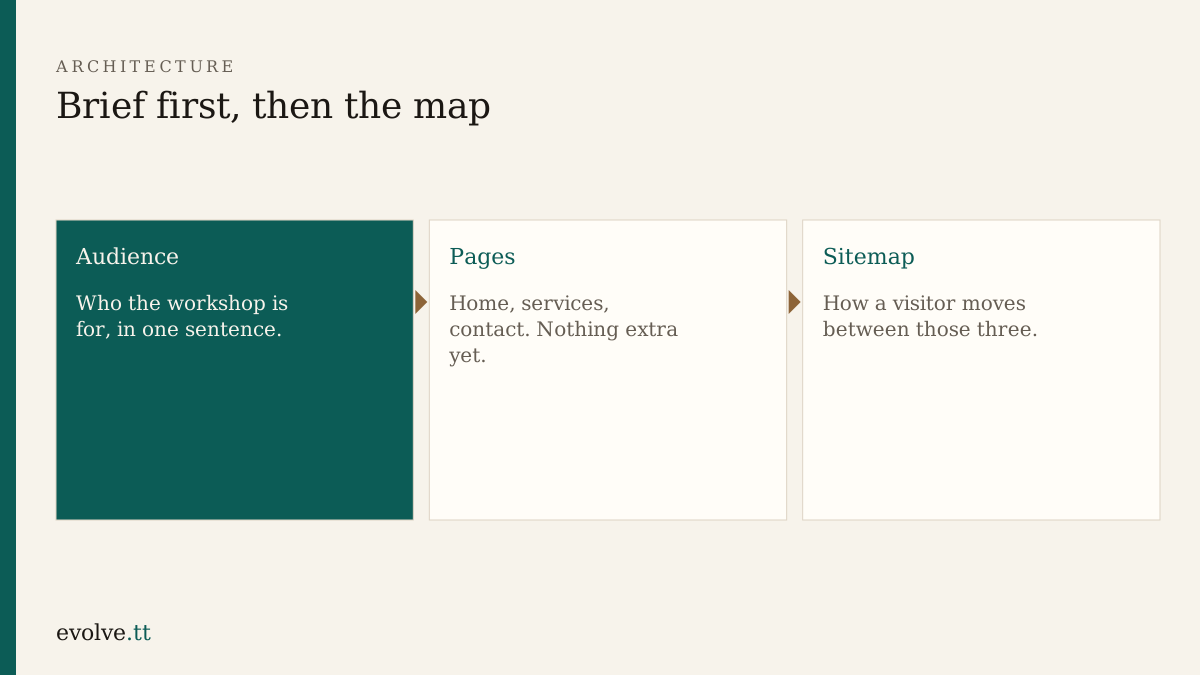
Workspace gave you files. This lesson decides what those pages are for. The habit matches writing a notice: facts on paper before the chat formats them.
The brief is five lines
Section titled “The brief is five lines”In notes.md, write:
- Name — Common Ground Workshop
- Audience — your one sentence from Start here
- Offer — what someone can ask for (repairs, skills evening, tool loan — pick what fits your story and stay consistent)
- Tone — plain, welcoming, no slang that excludes a first-time visitor
- Out of scope — online payments, member logins, and a blog for version one
If an assistant expands that into a marketing plan, cut it back to these five lines. The brief is a fence.
Three pages only
Section titled “Three pages only”| Page | Job |
|---|---|
| Home | Who you help, and why someone should open Services or Contact |
| Services | What you offer, in language a neighbour would use |
| Contact | How to reach a person, and what to expect when they write |
A fourth page is a later release. Sitemap first means you refuse orphan pages.
Sitemap
Section titled “Sitemap”Draw boxes on paper or list them in notes.md:
Home├── Services└── ContactEvery page links to the other two in the header. The logo or site name on every page returns to Home. That is enough structure for this course.
- Fill the five brief lines in
notes.mdwithout opening a chat first. - Ask an assistant only to tighten wording. Reject new pages, prices, and hours you did not supply.
- Add the sitemap list under the brief.
- On each HTML page, set the
<h1>to match the page job in the table above. - Read the brief aloud. If you need a second breath for the audience line, shorten it.
Before you continue
You are ready for Wireframes when:
- the five brief lines exist outside the chat
- the sitemap names exactly three pages
- each HTML
<h1>matches that page’s job
Mark this lesson complete when those three are true.