Course Lesson 5 of 11
Wireframes
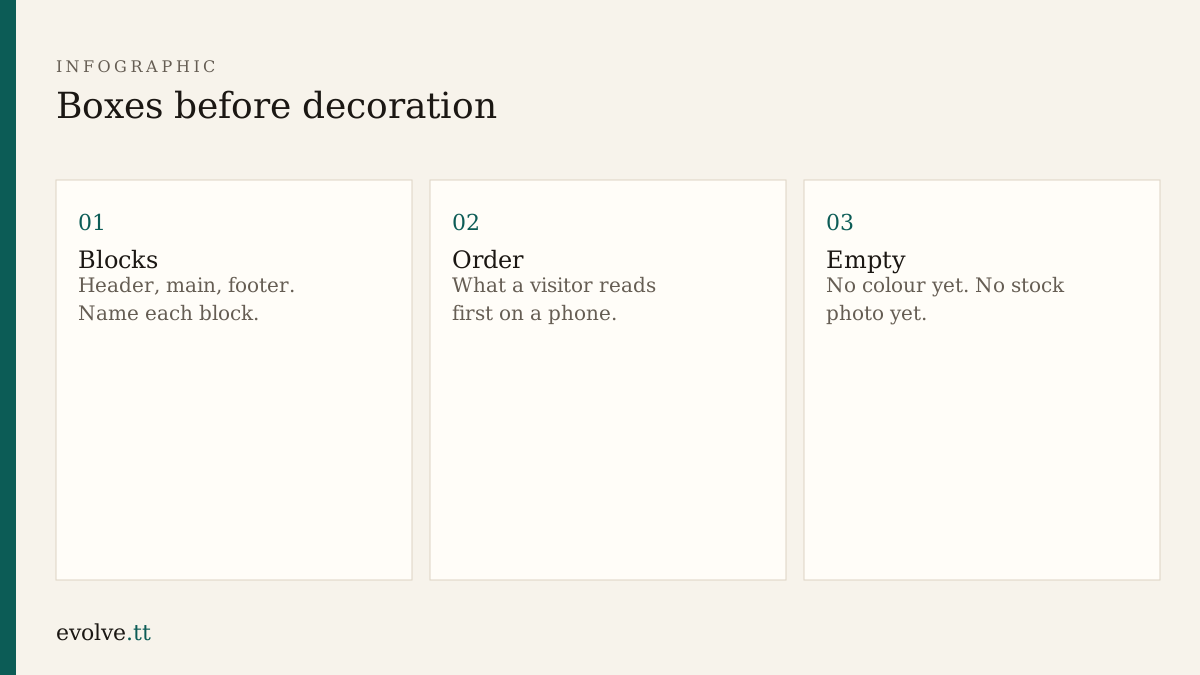
With the brief and sitemap set, draw the rooms before you choose the paint.
Boxes, not mockups
Section titled “Boxes, not mockups”A wireframe answers: what is on the page, and in what order? It does not answer brand colour. Paper, a whiteboard, or simple HTML comments are enough.
For Home, a solid default order is:
- Header with site name and nav
- Headline and one supporting line
- Three short offer points (or a single paragraph)
- Link or button toward Contact
- Footer with a short repeat of how to reach you
Services and Contact reuse the header and footer. Services lists what you offer. Contact lists how to write or call, with blanks for details you still own.
HTML can be the wireframe
Section titled “HTML can be the wireframe”In each file, wrap sections in <header>, <main>, <section>, and <footer>. Use placeholder text such as [headline] and [offer 1]. You are testing structure, not voice.
<main> <section> <h1>[headline]</h1> <p>[supporting line]</p> </section> <section> <h2>[what we offer]</h2> <ul> <li>[offer 1]</li> <li>[offer 2]</li> <li>[offer 3]</li> </ul> </section></main>Refresh the browser after each change. If a section feels lost, move the box before you style it.
- On paper or in HTML, list the blocks for Home, Services, and Contact.
- Replace the body of each page with structured placeholders. Keep the nav working.
- Resize the browser to a phone width. Confirm you can still follow the order without horizontal scrolling.
- Ask an assistant to suggest a homepage wireframe only after yours exists. Keep your block names; take at most one improvement.
- Snapshot the block list into
notes.md.
Before you continue
You are ready for Layout and grids when:
- each page has named blocks in order
- placeholders show in the browser
- phone width still reads top to bottom
Mark this lesson complete when those three are true.